Client Setup
Claude Code
Configure Claude Code to use Sun API
Before you start
- Complete the environment check
- Select a Claude group such as
Claude-MAXorClaude-anti(see Choosing a Claude group) - Copy an API token
Configuration
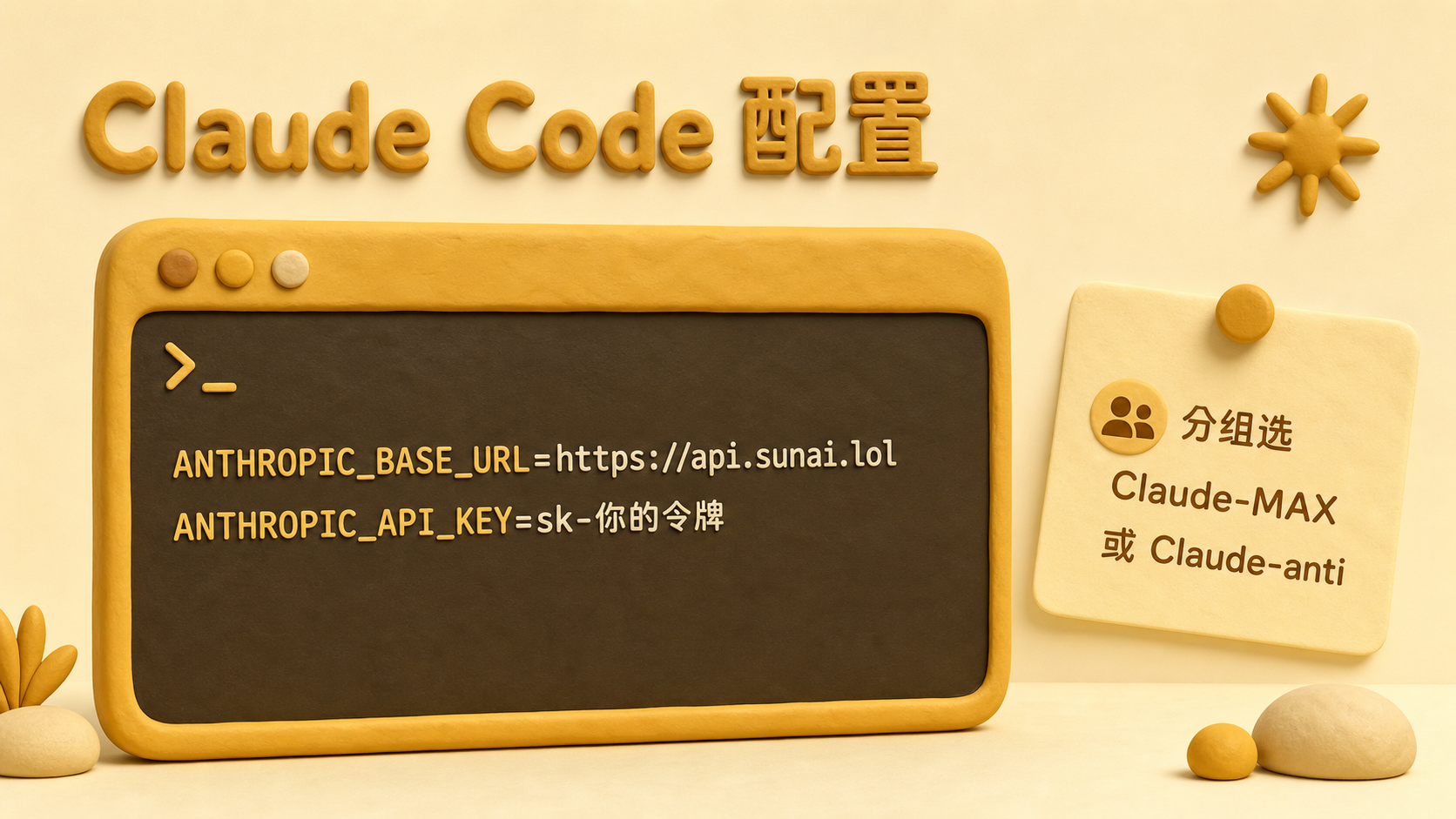
export ANTHROPIC_BASE_URL="https://api.sunai.lol"
export ANTHROPIC_API_KEY="sk-your-token"
Windows PowerShell:
$env:ANTHROPIC_BASE_URL="https://api.sunai.lol"
$env:ANTHROPIC_API_KEY="sk-your-token"
Model name
Open Models & Pricing, select your Claude group, and copy the exact model name.
Verify the connection
Start Claude Code and send a short message. If the model is not found, check the token group and model name again. See the FAQ.