Client Setup
Cursor
Connect Cursor to the OpenAI-compatible endpoint
Before you start
- Create a token in the console
- Select a group that contains the model you want to call (see Billing and groups)
Configuration
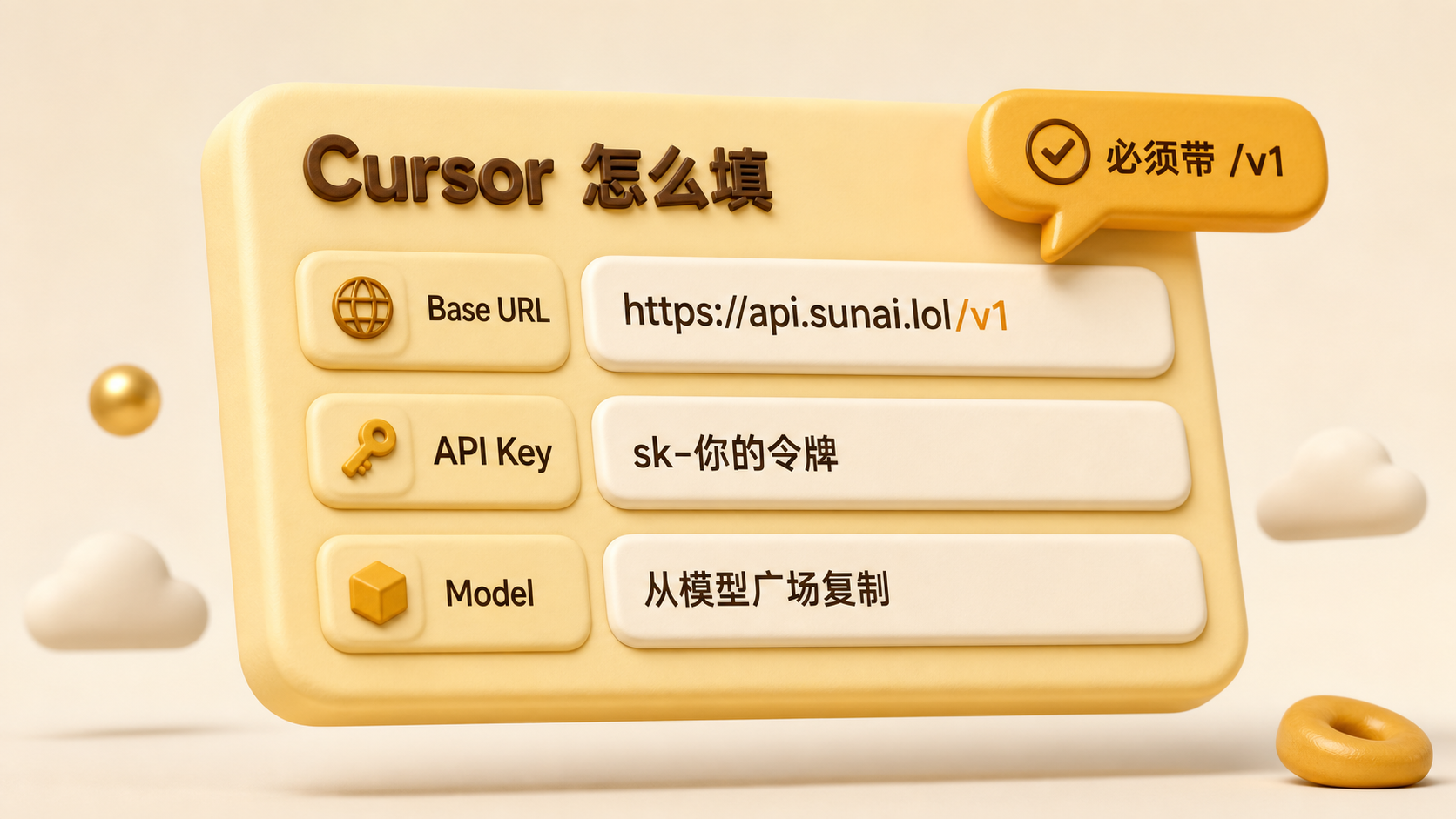
Open Models / OpenAI Compatible in Cursor settings. The exact menu name can vary by version.
| Field | Value |
|---|---|
| Base URL | https://api.sunai.lol/v1 |
| API key | Your token |
| Model | The exact name shown in the model catalog |
Recommendations
- Copy the model name from the model catalog instead of typing it by hand
- When changing models, confirm that the current token group still includes it
- Start a new chat after saving the settings
Troubleshooting
| Symptom | Action |
|---|---|
| Connection error or 404 | Confirm that /v1 is present |
| Model not found | Choose the matching group and exact model name |
| 401 | Copy the token again |
See the FAQ.